

The plan
Four days, dealt at once.
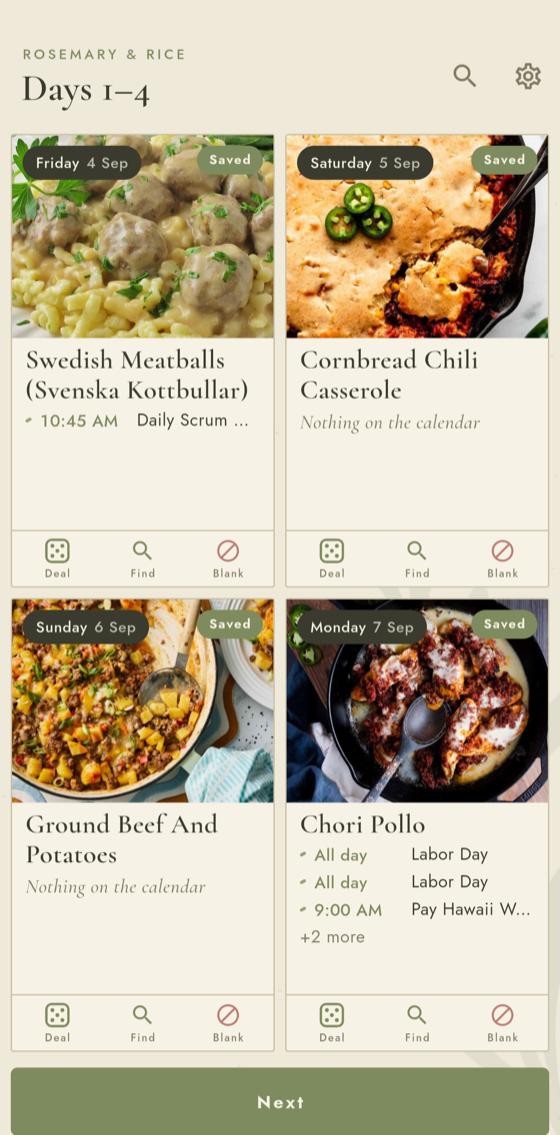
- The grid
- The next four days sit in a two by two. Each one is dealt a random recipe from the household's cookbook.
- The flick
- Flick a card away and another recipe takes its place, with a little physics.
- The foot of the card
- Deal another recipe, find a particular one for that day, or leave the day blank for a night out. Set one card down on another and the two dinners trade places.
- The calendar
- Each day shows the household's calendar events, so a busy evening gets an easy dinner.
- Undo
- Flicked the wrong card? The arrow in the title bar takes back the last ten changes.
- The tabs
- The days run along the bottom, named by weekday. Tap the next four and the week is saved; the basket opens the shopping list.
In the app
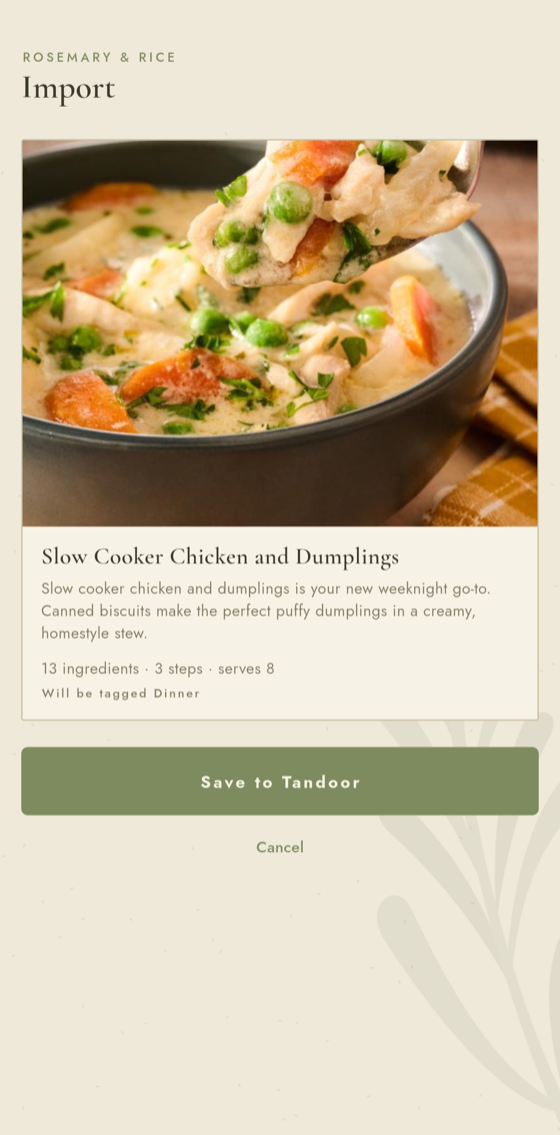
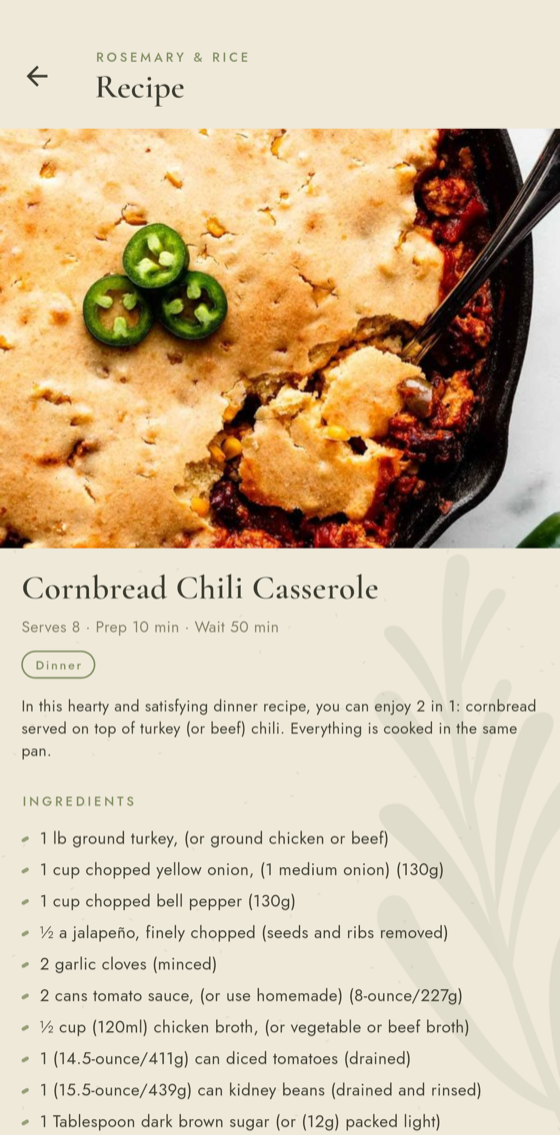
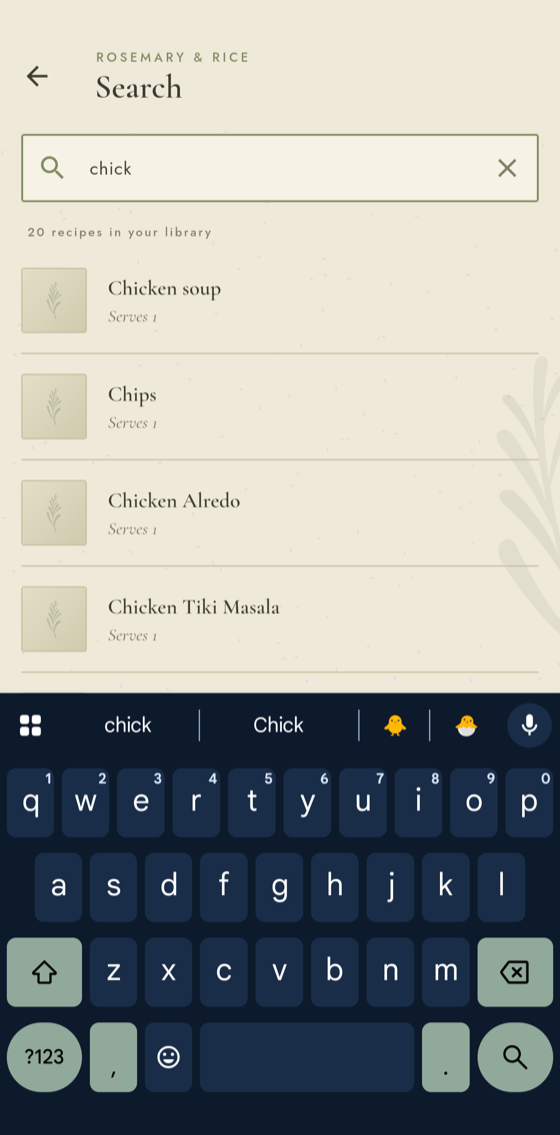
Getting a recipe in, and finding it again.
Three screens the rest of the week runs on.
How it fits
One cookbook for the household.
- Households
- Sign in, start a household, and hand its code to whoever cooks with you. Everyone in it shares the cookbook, the week, and the shopping list. Friends start households of their own.
- Android and iPhone
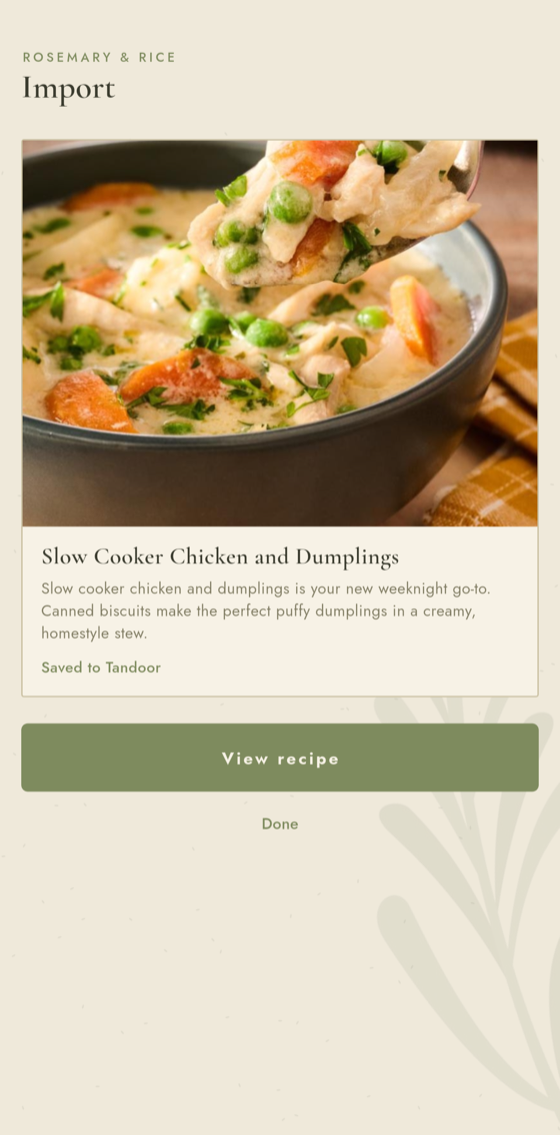
- Built for both. Recipes arrive through the share sheet from whatever app you found them in, and a home-screen widget shows tonight's dinner.
- Yours to keep
- Your cookbook, photos and plan live on Rosemary's own small service, and nobody outside your household sees them.
- Get it
- Android: download the app and let it update itself. iPhone: next.